
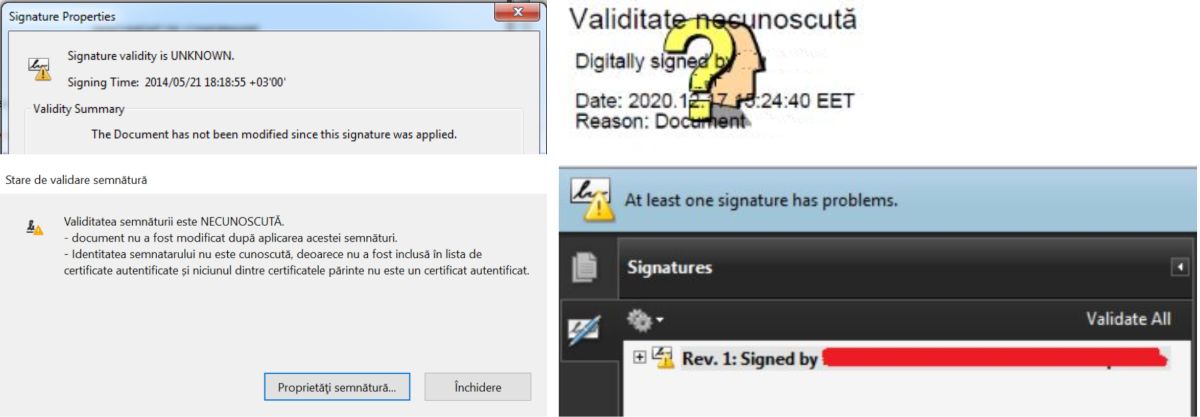
If you see messages that signal an unknown signature in electronically signed documents in Adobe, as in the pictures below, you can follow these steps.
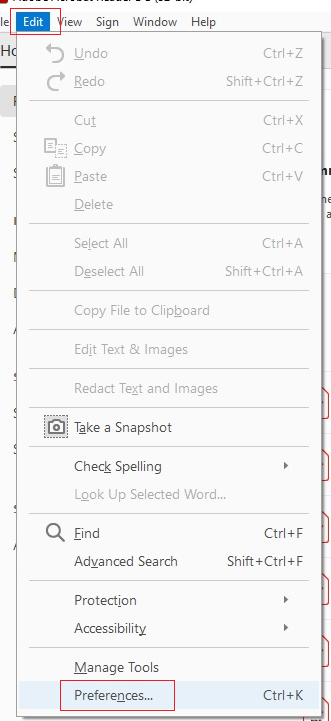
1. Press CTRL + K simultaneously or select Edit and then Preferences.
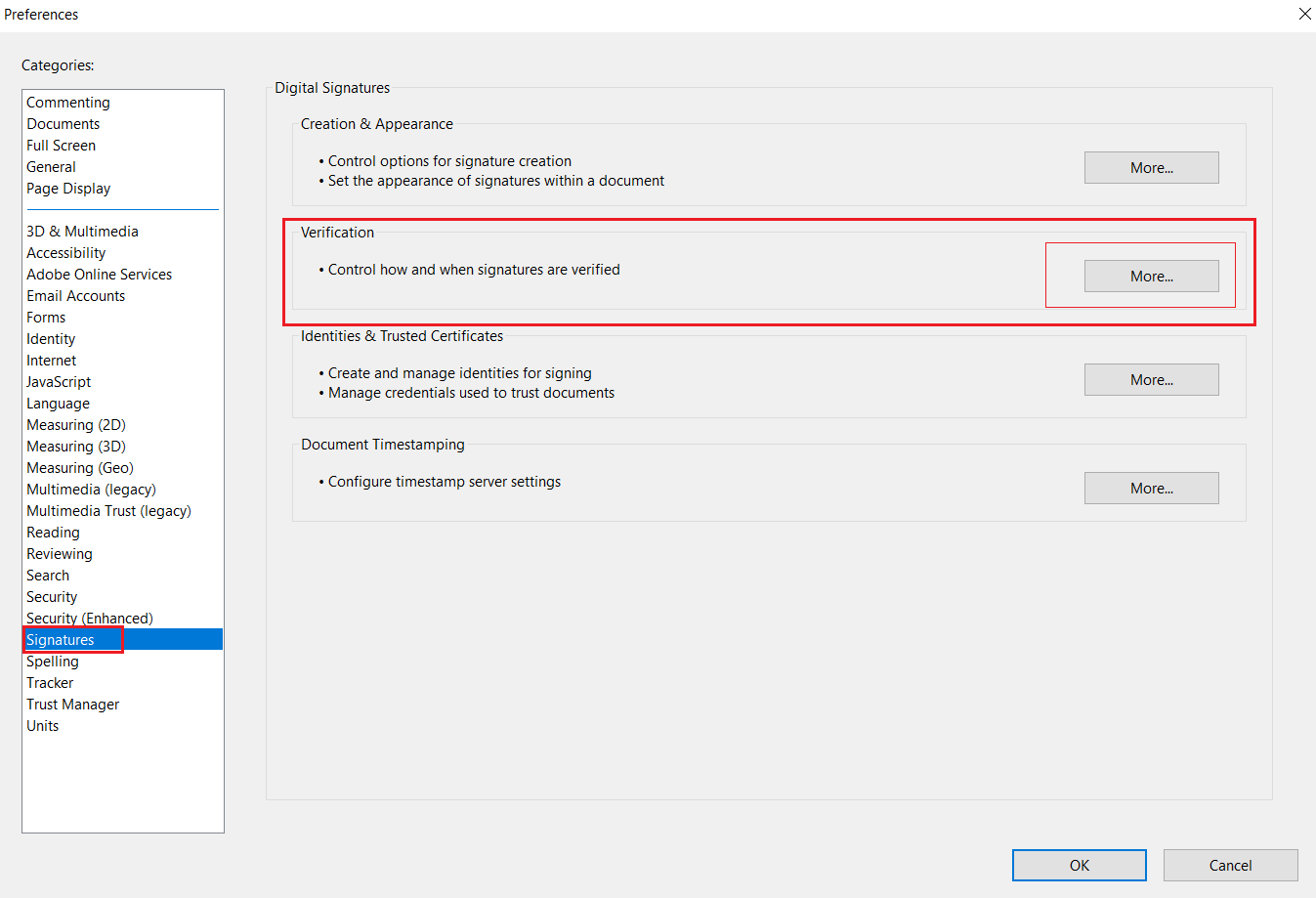
2. Go to Signatures, Verification and then click More.
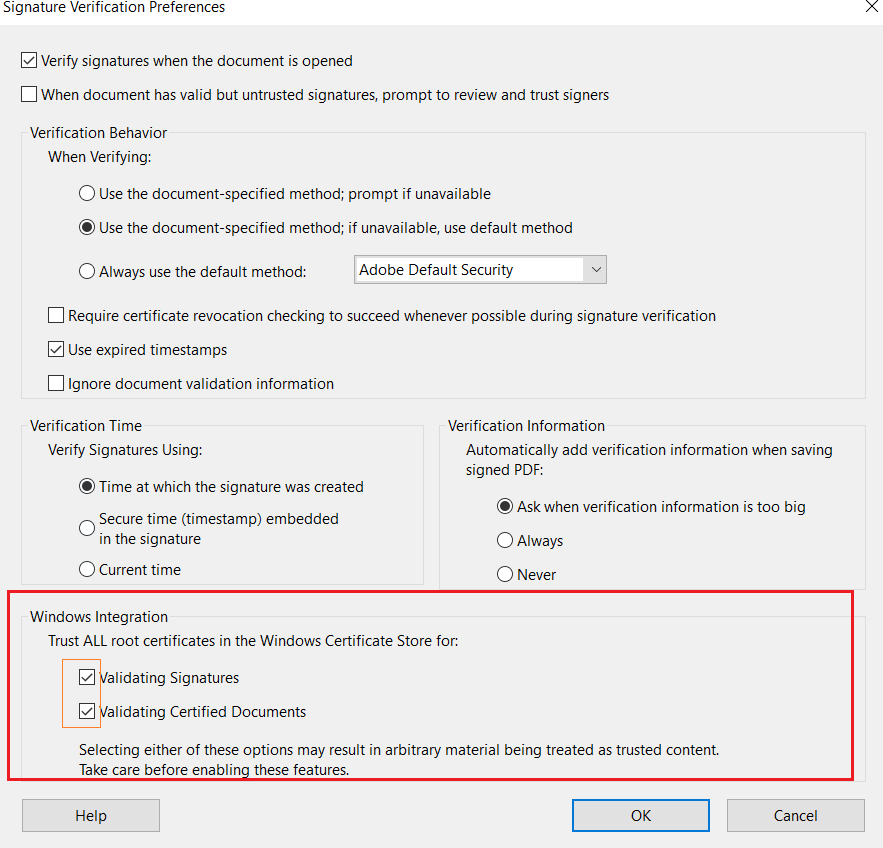
3. In the window that opens, under Windows Integration / Trust ALL root certificates in the Windows Certificate Store for, check both boxes and press OK.
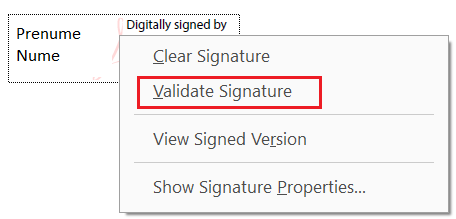
4. Right-click the signature box applied to the document and click Validate signature.